
Dentrix Fall Cleanup (Reply): How to Inactivate Providers and Team Members the Right Way
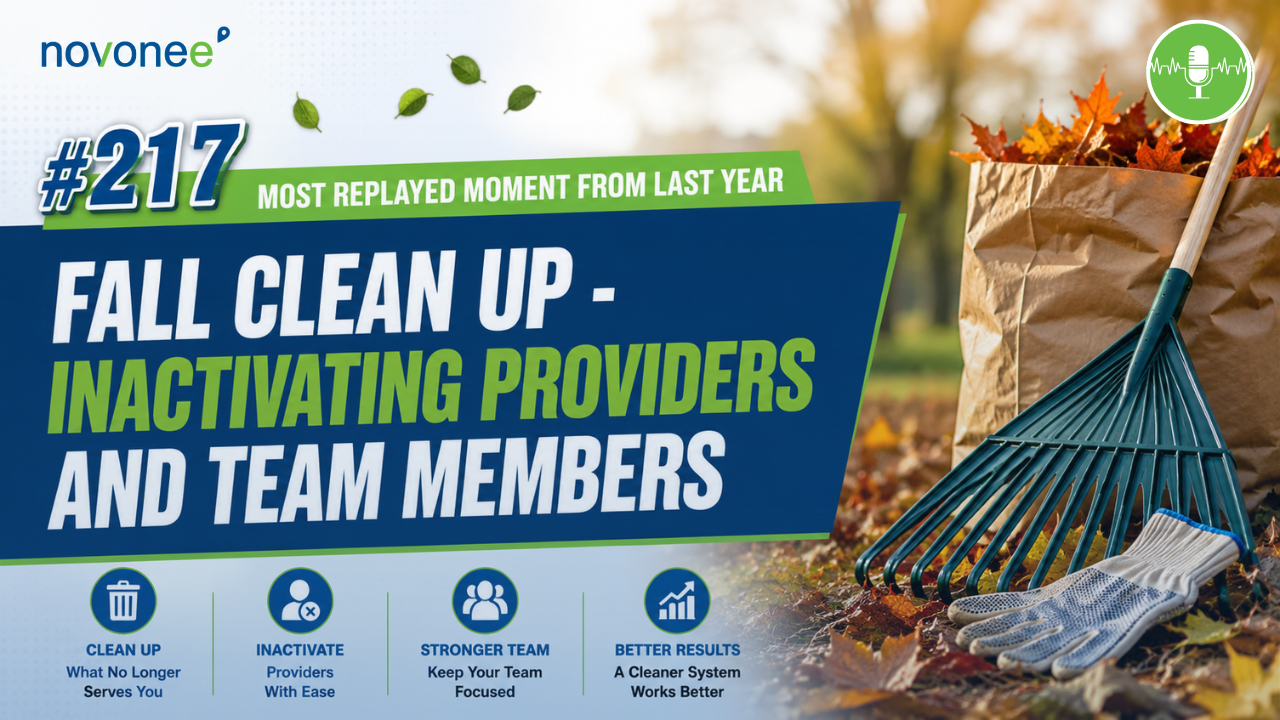
In case you missed it, this week's podcast is a replay from last year. I chose to bring this episode back because the guidance is still incredibly valuable. Keeping your Dentrix database clean is one of those maintenance tasks that never goes out of style, and if your practice has experienced staffing changes recently, this is the perfect time for a refresher.
If you've ever opened your Dentrix provider list and found yourself scrolling through years of former doctors, hygienists, and team members, you're not alone. One of the easiest ways to keep your practice management software organized is by cleaning up inactive providers and team members.
Listen on Apple Podcasts:
Listen on Soundcloud:
Recently, I had a great conversation with my friend, Terri Bagley, a highly respected office manager in our industry. She had joined a new practice with a new owner and needed help cleaning up their Dentrix database. That conversation reminded me how many offices delay this simple maintenance because they're worried about accidentally changing historical data.
The good news? Dentrix makes this process much safer than most people realize.
Why Keeping Your Dentrix Database Clean Matters
Every dental practice experiences change.
- Doctors retire.
- Associates move on.
- Hygienists change offices.
- Team members leave.
If those inactive users remain active inside Dentrix, they create unnecessary clutter that slows down scheduling, reporting, and daily workflows.
A clean database helps your team:
- Find providers faster when scheduling appointments
- Keep reports easier to interpret
- Reduce confusion during daily operations
- Maintain accurate provider assignments moving forward
Keeping your provider list organized is just one piece of building a consistent practice management system. If you're looking to create repeatable daily, weekly, and monthly routines inside Dentrix, I also recommend reading Building Rock-Solid Dentrix Workflows: Daily, Weekly, and Monthly Systems That Actually Work. It walks through the systems that help high-performing dental teams stay organized year-round.
This is one of those behind-the-scenes tasks that improves efficiency every single day.
What Happens When You Inactivate a Provider in Dentrix?
One of the biggest fears I hear is:
"Will I lose historical production data?"
The answer is no.
When you inactivate a provider, Dentrix does not change historical information.
Your historical records remain intact, including:
- Production history
- Payments
- Adjustments
- Clinical notes
- Completed appointments
Instead, Dentrix only updates items that still exist in the future.
That includes:
- Future appointments
- Future treatment-planned procedures
- Office Journal reminders
- Future payment plans
- Primary provider assignments on active patient records
Understanding this distinction gives offices much more confidence when performing routine database cleanup.
Choosing a Replacement Provider
During the inactivation process, Dentrix asks you to assign a replacement provider.
This is where many offices get stuck.
They assume they need to hire a replacement first.
That's not the case.
If an associate leaves and the owner is now the only doctor, simply assign the owner as the replacement provider.
If a hygienist leaves and you aren't replacing them, choose one of your current hygienists.
Remember, this replacement only affects future items. Historical production and patient records remain unchanged.
Watch it on YouTube:
Don't Forget About Primary Providers
One of the biggest changes happens on patient family files.
If the provider you're inactivating is listed as the patient's primary provider (Provider 1), Dentrix automatically updates those patient records to the replacement provider.
The same applies to Provider 2, which many practices use for the patient's preferred hygienist.
This matters because many important Dentrix reports rely on these provider assignments, including:
- Aging reports
- Treatment Manager
- Letters & Custom Lists
- Patient searches
- Continuing Care reports
Keeping provider assignments accurate ensures these reports continue producing meaningful information.
Clean provider assignments also make your daily reporting much more reliable. If you're unsure which reports your office should be reviewing every day, my article Best Practices for Your Daily Reports and Workflow explains the key Dentrix reports that help you monitor production, collections, scheduling, and data accuracy.
What About Accounts Receivable?
Near the end of the process, Dentrix asks whether you'd like to move Accounts Receivable to the replacement provider.
In most situations, my recommendation is No.
I typically advise practices to leave historical Accounts Receivable attached to the original provider.
This preserves financial reporting accuracy and prevents unnecessary changes to provider production and collection reports.
Inactivating Team Members
Cleaning up team members follows a similar process.
Unlike providers, however, Dentrix requires every workstation to be completely logged out before you can inactivate a team member.
You'll also assign a replacement team member, but again, this only affects future reminders and workflows.
Historical Office Journal entries and completed activity remain untouched.
If you're outsourcing responsibilities like insurance claims or Accounts Receivable instead of replacing an employee, simply assign the replacement to a current team member.
Make Database Cleanup Part of Your Routine
I encourage practices to perform this type of cleanup at least once each year.
Whether you call it spring cleaning or fall cleanup, keeping your Dentrix database organized makes every other workflow easier.
Database cleanup is most effective when it's part of a larger workflow strategy. I also encourage practices to review Weekly Dentrix Reports and Workflow Best Practices so your team develops consistent habits for maintaining accurate data instead of waiting until things become overwhelming.
Your scheduling team works faster.
Your reports stay cleaner.
Your providers are easier to find.
And your software becomes much more enjoyable to use.
Small improvements like these are what separate efficient dental practices from overwhelmed ones.
Frequently Asked Questions
Does inactivating a provider delete production history?
No. Dentrix preserves all historical production, payments, adjustments, completed appointments, and clinical notes.
Will future appointments change providers?
Yes. Future appointments assigned to the inactive provider automatically transfer to the replacement provider.
Should I move Accounts Receivable to the new provider?
Usually no. Keeping historical Accounts Receivable with the original provider maintains cleaner financial reporting.
Why does Dentrix require a replacement provider?
The replacement ensures future appointments, treatment plans, reminders, and patient assignments continue functioning properly after the provider is inactivated.
How often should I clean up inactive providers?
I recommend reviewing providers and team members at least annually or anytime significant staffing changes occur.
Keep Your Dentrix Database Working for You
Dentrix is most powerful when your data is accurate, organized, and current. Cleaning up inactive providers and team members may not be the most exciting project on your to-do list, but it has a lasting impact on your reports, scheduling, and daily workflows.
If you want to maximize your Dentrix software, streamline your systems, and make sure your database is set up the right way, I'd love to help. Schedule a discovery call with me, and together we'll identify opportunities to improve your workflows, clean up your data, and help your dental team become more efficient every day.
My friend, I look forward to watching your journey of becoming a high-performing dental team.
Stay connected with news and updates!
Join our mailing list to receive the latest news and updates from our team.
Don't worry, your information will not be shared.
We hate SPAM. We will never sell your information, for any reason.