
Dentrix Membership Plan Setup (Replay): 3 Ways to Manage and Track Your In-Office Membership Plan
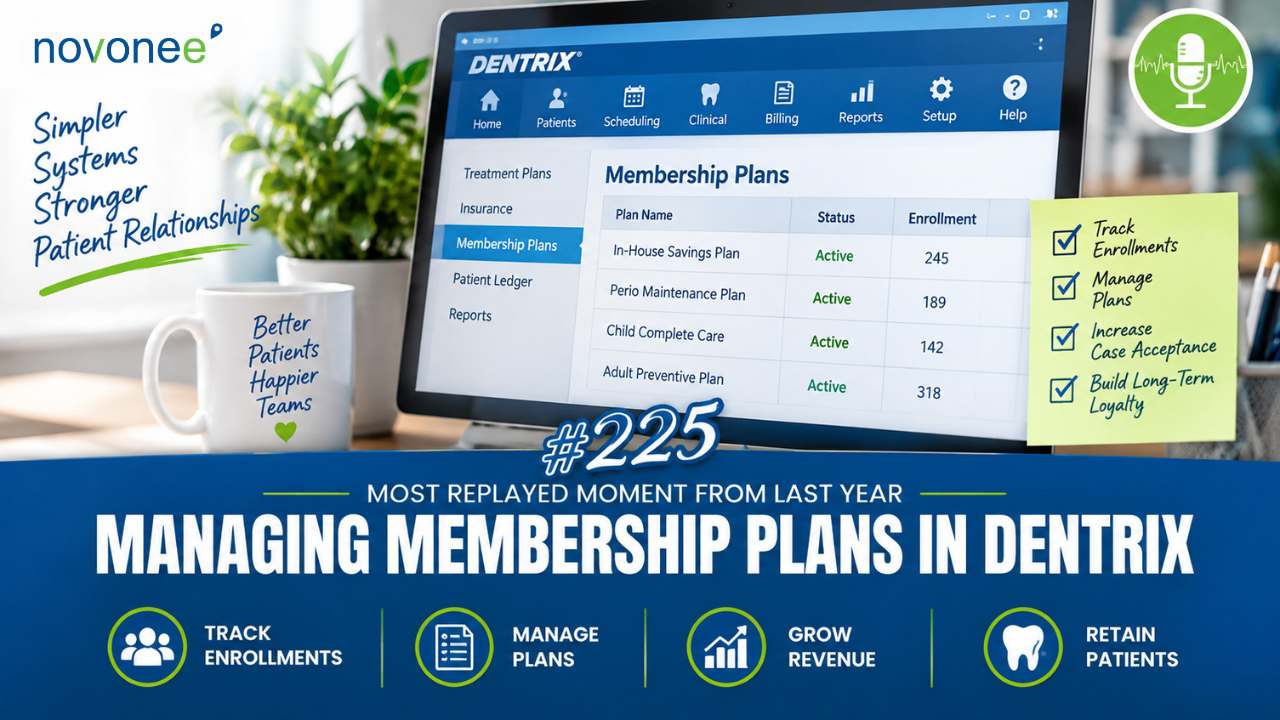
In case you missed it, I’m replaying one of last year’s most viewed and listened-to podcast episodes because I continue to hear questions about how to manage an in-office dental membership plan inside Dentrix. There isn’t one perfect setup for every practice, so I want to break down three options based on how much you want Dentrix to track.
Download Your Free Dentrix Tip Sheet
Membership plans have become an important part of dental practice management, especially for practices looking to provide options for patients without traditional dental insurance.
Listen on Apple Podcasts:
Listen on Soundcloud:
But once you create a membership plan, you have another question:
How should I set it up in Dentrix?
My answer is: it depends.
Your practice is unique. Some offices use a third-party membership company that manages payments and renewals. Others manage everything themselves. Some practices simply want Dentrix to handle the basics, while others want detailed reporting on membership plan revenue, payments, adjustments, and renewals.
Here are the three levels I recommend.
Option 1: Keep Your Dentrix Membership Plan Simple
If a third-party company handles most of your membership plan administration, you may only need a basic Dentrix setup.
At minimum, I recommend creating a membership plan adjustment.
Why?
Even if hygiene services are included in the membership, you still need to post those procedures in Dentrix. You need accurate hygiene production and continuing care data.
For example, if the patient's exam, prophy, and X-rays total $177, post the $177 in procedures and then use your membership plan adjustment to adjust off the $177 included in their plan.
If your membership includes a discount on restorative treatment, such as 25%, I also recommend creating a separate membership plan fee schedule based on your regular office fees.
This keeps the workflow simple while preserving accurate production data.
If your team isn't completely comfortable with how fee schedules work inside Dentrix, I recommend reading The Benefits of Fee Schedules Is Worth the Time Spent. Understanding how Dentrix fee schedules affect treatment estimates, production, and collections will make it much easier to build your membership plan correctly.
Don't Set Up Your Membership Plan as Dental Insurance
This is one mistake I see discussed frequently.
I do not recommend creating an insurance plan in Dentrix for your membership plan.
Why?
First, it can inflate your insured-patient count. These patients don't have insurance through your membership plan, so your Dentrix reporting becomes inaccurate.
Second, Dentrix sees an insurance plan as insurance. That means it may try to generate insurance claims.
Your membership plan isn't insurance, so don't set it up like insurance.
Option 2: Track Membership Plan Revenue in Dentrix
If you want more financial tracking, take your setup one step further.
Create procedure codes for your different membership plans. You might have:
- Comprehensive Adult – Prophy
- Comprehensive Adult – Perio
- Child Membership
- Other plan levels specific to your practice
If your annual membership costs $500, you would post that $500 membership fee to the patient's ledger and then post the membership payment.
Now Dentrix can track membership production and payments.
I recommend assigning membership revenue to the owner doctor's provider ID or a company provider so it doesn't artificially increase doctor or hygiene production.
You would still post hygiene procedures normally and adjust included services using your membership plan adjustment.
Option 3: Build a Fully Trackable Dentrix Membership Workflow
If you manage your membership plan internally or want detailed reporting, you can create a much more robust Dentrix workflow.
In addition to the adjustment, fee schedule, and membership procedure codes, consider creating a billing type for membership patients.
This allows you to filter reports and billing information more easily. Just remember that billing types apply to the entire family, which can create complications when only one family member belongs to the membership plan.
Watch it on YouTube:
You can also create a Continuing Care type for membership renewals.
Link that Continuing Care type to your membership procedure code, and when the annual membership is posted, Dentrix can begin tracking the patient's next renewal date.
If Continuing Care isn't already one of your team's strongest Dentrix systems, my Deep Dive into the Dentrix Continuing Care List is a helpful next step. The same tools you use to keep patients from falling through the cracks with hygiene can also support a more organized membership renewal workflow.
This advanced membership setup gives you a system for monitoring:
- Membership revenue
- Payments
- Adjustments
- Patient status
- Renewals
- Reporting
What About Monthly Membership Payments?
Dentrix can handle those, too.
If patients pay monthly, you can use a Future Due Payment Plan, similar to an orthodontic payment plan.
You can set up recurring monthly charges and connect an automatic credit card payment to help streamline the process.
The Bottom Line: Build the Membership Plan System Your Practice Needs
There isn't one Dentrix membership plan setup that works for every dental practice.
Ask yourself:
How much do we want Dentrix to manage and track?
If another company handles everything, keep your Dentrix workflow simple.
If you want to track membership revenue, build the middle-level system.
If you're managing the entire program internally and need reporting, renewals, and payment tracking, build the more advanced workflow.
Whichever level you choose, make sure your team follows the same process every time. Membership plans are just one example of why repeatable systems matter. In Building Rock-Solid Dentrix Workflows: Daily, Weekly, and Monthly Systems That Actually Work, I dive deeper into creating Dentrix routines your entire team can actually follow.
The goal isn't to create the most complicated system possible. It's to create a reliable system that gives your team the information you actually need.
And whatever option you choose, remember this:
Your membership plan is not dental insurance.
Set it up in Dentrix in a way that protects the accuracy of your patient data, production, reporting, and workflows.
FAQ: Managing Membership Plans in Dentrix
How should I set up a dental membership plan in Dentrix?
At minimum, create a membership plan adjustment so included services can be posted and adjusted appropriately. More advanced setups can include fee schedules, procedure codes, billing types, and Continuing Care.
Should I create an insurance plan in Dentrix for my membership program?
No. I don't recommend treating a membership plan as insurance because it can distort your insured-patient count and cause Dentrix to treat the plan like traditional dental insurance.
Can Dentrix track membership plan revenue?
Yes. You can create membership procedure codes and post the membership fee and payment to the patient ledger, allowing you to track membership production and revenue.
Can Dentrix track membership renewals?
Yes. An advanced setup can use a custom Continuing Care type linked to the membership procedure code to help track annual renewals.
Can patients make monthly membership payments through Dentrix?
Dentrix can use a Future Due Payment Plan to create recurring charges, similar to an orthodontic payment plan, and practices can incorporate automatic credit card payments into that workflow.
Stay connected with news and updates!
Join our mailing list to receive the latest news and updates from our team.
Don't worry, your information will not be shared.
We hate SPAM. We will never sell your information, for any reason.