Dentrix Charting Tips: Making Your Digital Odontogram as Accurate as Paper
When I started working with a new office transitioning from paper charts to electronic health records, it felt a bit like stepping back in time. Before you gasp, yes, there are still plenty of practices using paper. Every month, I get at least one call from an office ready to ditch their charts for Dentrix.
Listen on Apple Podcasts:
Listen on Soundcloud:
I remember my early days with those blue-and-red indelible pencils, blue for existing work and red for treatment plans. We’d shade, outline, and draw every filling, crown, and root canal. The odontogram was a work of art. But when you switch to Dentrix, that artistic touch disappears… or so you might think.
Finding Precision in Dentrix Charting
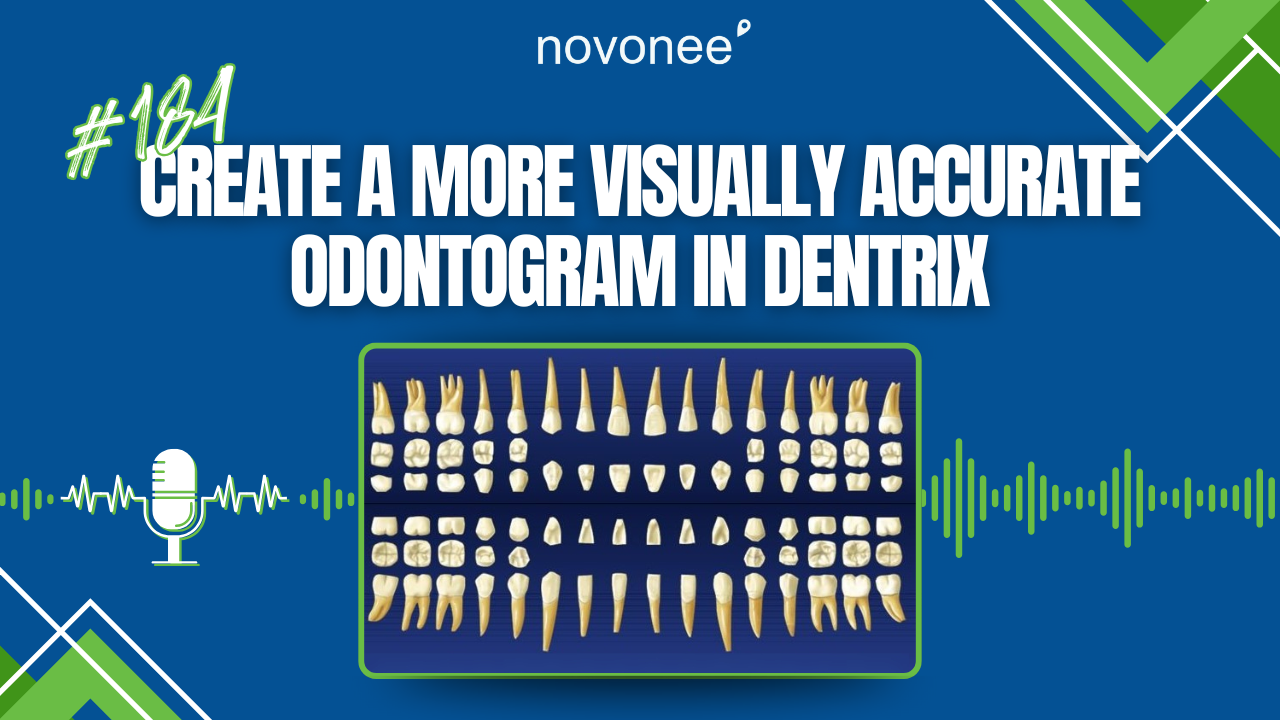
One of the biggest hesitations I hear from doctors is that the digital chart doesn’t reflect the true size or shape of restorations. And they’re right; Dentrix out of the box doesn’t always mirror the fine detail we used to draw by hand.
That’s why, when I work with teams, I teach them how to edit surface painting in Dentrix. You can make restorations look more realistic, showing exactly how much of the tooth is covered. For example, if a patient has a large MODBL composite covering both buccal cusps, you can modify it so Dentrix paints it accurately. The same goes for tiny pits or separate class V fillings.
This step makes a big difference for clinical teams that value precision. It bridges that mental gap between paper and digital.
Streamline Your Charting Workflow
If you’re new to charting in Dentrix, you’ll notice four key icons on your charting toolbar:
- EO (Existing Other) – Green
- E (Existing) – Blue
- TX (Treatment Plan) – Red
- Checkmark (Completed) – Gray
Here’s my advice: keep your colors consistent across every workstation. Nothing slows down your team faster than visual confusion. And yes, you can save your color scheme to make sure everyone stays aligned.
If you want to take efficiency up a notch, try using the “Auto State” button, the little light switch icon. Once you turn it on, Dentrix keeps your selection active, so you don’t need to re-click for every chart entry. It’s a small change that saves minutes on every patient.
(Related: Learn how to optimize your clinical documentation in Dentrix Health History.)
Charting Smarter, Not Harder
When transitioning from paper, don’t forget the importance of charting missing teeth before opening the perio chart. If you add them afterward, the perio chart won’t automatically update unless you close and reopen it. These little workflow details make your digital transition smoother and less frustrating.
Another helpful trick: Dentrix paints restorations on the odontogram in chronological order. So if you’re back-entering older restorations, you might need to backdate them in the progress notes to keep the layering accurate.
And remember, you can’t delete old procedures, even if they’re no longer valid. Instead, invalidate them. This keeps your history intact while keeping your chart current. For example, if an implant fails and is removed by a specialist, invalidate it in the chart to maintain accuracy.
(Also read: Windows 10 End of Life and Dentrix Workstation Customization to ensure your software environment runs smoothly.)
Why Accuracy Matters
The goal isn’t just aesthetics; it’s clinical clarity. When your odontogram reflects exactly what’s in the patient’s mouth, your whole team can make better decisions. It supports case presentation, insurance accuracy, and continuity of care.
Moving from paper to digital doesn’t mean losing precision. It means using Dentrix to its full potential. Every time I help a team make that shift, I see their confidence grow and the patient experience improve.
So, if your office is still surrounded by paper charts, maybe it’s time to take the leap. The tools in Dentrix are ready and waiting; you just need to know how to use them.
Stay connected with news and updates!
Join our mailing list to receive the latest news and updates from our team.
Don't worry, your information will not be shared.
We hate SPAM. We will never sell your information, for any reason.