
Dentrix Year-End Checklist: How to Close the Year with Clean Data and Accurate Reports
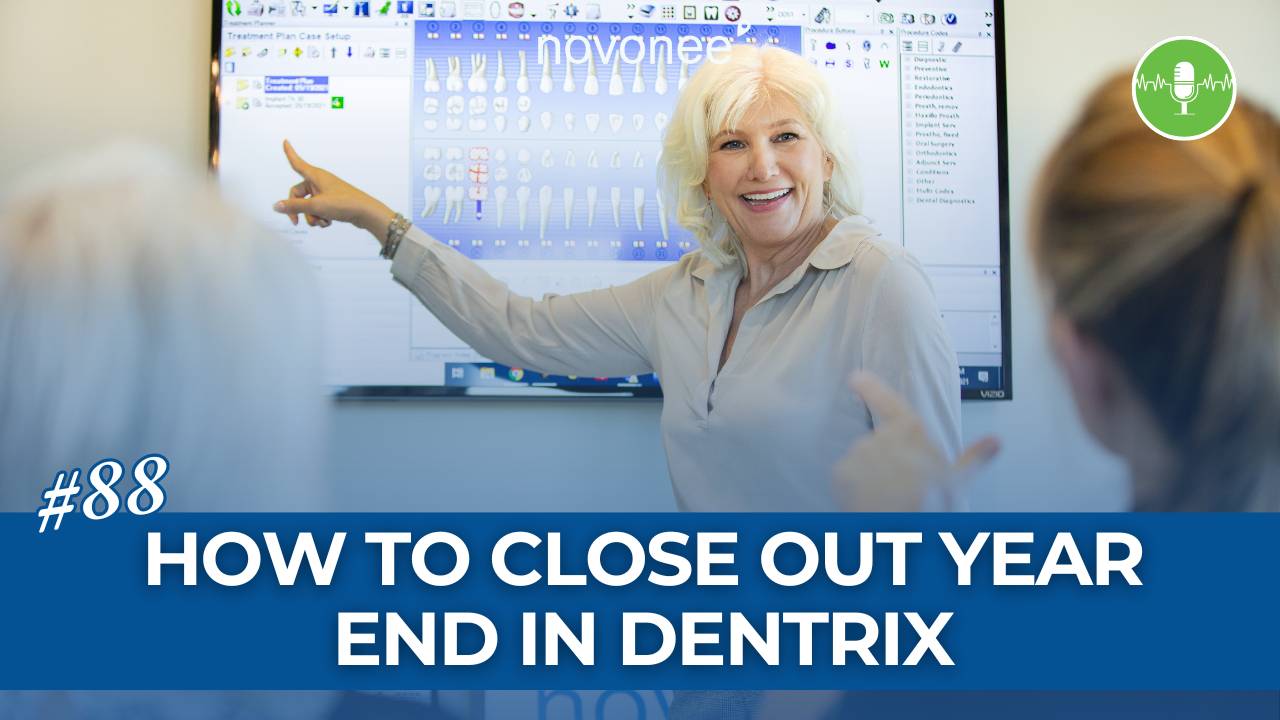
As we get close to the end of the year, the number one question I hear from dental teams is always the same:
“Dayna, what do I need to do for year-end in Dentrix? ”
Listen on Soundcloud . . .
Listen on Apple Podcast . . .
My answer usually surprises people. Year-end in Dentrix is not a separate process. Whatever you are doing for month-end is exactly what you need to do for year end. The key is making sure those month-end processes are set up correctly and actually running the way they should.
If your systems are dialed in, year-end becomes a moment to review, celebrate, and plan instead of scramble.
Start with the Dentrix Task Scheduler
The most important place to begin is your Dentrix Task Scheduler. This tool is designed to run quietly in the background, usually overnight, keeping your data accurate and secure. When I work with practices, this is one of the first places I check.
Inside the Task Scheduler, you will see available tasks on the left and scheduled tasks on the right. There are four critical tasks that should always be running, especially at year-end.
The first is Closed Transactions. This task ages your accounts receivable correctly, locks ledger history so transactions cannot be edited or deleted, and moves the ending AR balance from one month into the beginning balance of the next. This is essential for clean financial reporting and for keeping your CPA happy.
Next is Reset Insurance Benefits Used. Many plans renew at the start of the year, and this task ensures patient benefits reset properly so your January estimates are accurate.
The third and fourth are Move Clinical Notes to History and Move Perio Exams to History. These protect your clinical documentation by locking it into history. Clinical notes and perio exams are legal records, and this extra layer of security matters.
I also recommend running Recalculate Totals daily. Power surges, network interruptions, or even brief outages can cause balance inconsistencies. This task helps catch and correct those issues automatically.
If your practice allows payment plans, you should also enable Process Due Payment Agreements so recurring payments are handled consistently without manual effort.
Once these tasks are set, always check the View Log inside the Task Scheduler. Make sure tasks show a status of “completed” and that no errors are occurring behind the scenes.
Run the Right Dentrix Reports at Year End
With your systems secure, it’s time to look at the data that tells the story of your year.
My favorite year-end report is the Practice Advisor. This is a monthly report that also provides year-to-date numbers, making it ideal for year-end review. It shows gross and net production, production per day, production by provider and hygiene, collections, accounts receivable ratios, and patient retention.
One number I always pay close attention to is hygiene production. Ideally, hygiene should contribute 25 to 35 percent of total practice production. Another critical metric is patient retention. Anything above 85 percent deserves to be celebrated.
The Practice Analysis Reports are also valuable for year-end. These reports break production, collections, and adjustments down by category or procedure, giving you deeper insight into what’s driving revenue in your practice.
If you want to strengthen your understanding of how these reports work together, I recommend exploring additional Dentrix workflow resources on the Novonee blog:
👉 https://www.novonee.com/blog
Prepare for a Strong New Year
Year-end is not just about closing the books. It’s about making sure your systems are solid so you can start the new year with confidence. Clean data supports better decision-making, stronger scheduling, and healthier cash flow.
If your front office is still juggling manual processes, this is also a great time to evaluate digital improvements that save time and reduce errors, like moving toward more automated workflows and patient-facing tools. This pairs well with concepts we often discuss around streamlining front office systems, including strategies outlined in Creating a Touchless Check-In and Check-Out, which supports both efficiency and patient experience.
When Dentrix is set up correctly, year-end doesn’t feel overwhelming. It feels empowering.
If you need help reviewing your task scheduler, reports, or overall Dentrix setup, this is exactly the time of year to address it. I look forward to watching your journey toward becoming a true Dentrix superuser.

Stay connected with news and updates!
Join our mailing list to receive the latest news and updates from our team.
Don't worry, your information will not be shared.
We hate SPAM. We will never sell your information, for any reason.