
From Chart to Chair: How to Master Treatment Planning in Dentrix for Better Case Acceptance
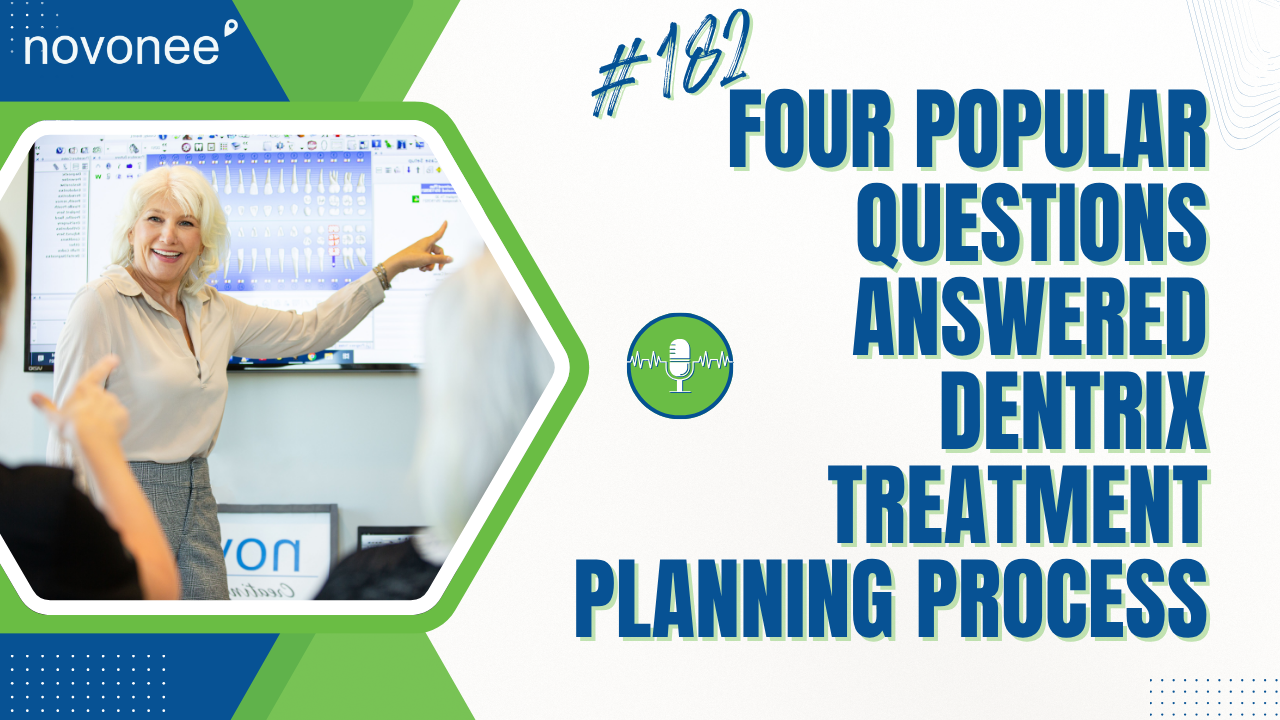
I recently hosted a Dentrix User Meeting in Seattle, and it was incredible. We had a full room of engaged attendees, doctors, hygienists, assistants, and admin team members, all eager to improve their treatment planning process. The course was called From Chart to Chair: Mastering the Treatment Planning Process for Better Case Acceptance and Workflow Harmony.
Listen on Apple Podcasts:
Listen on Soundcloud:
During the session, several key questions kept coming up. So I thought I’d recap some of the most common ones here for those of you who couldn’t attend. If your team uses Dentrix and you want to improve how you present treatment plans, this one’s for you.
Understanding the Case Date in Dentrix
One of the biggest questions was about the case date, what it’s for and whether it matters. When you open a patient’s chart in Dentrix, the treatment planner view shows the case date on the left-hand panel. Every patient will have at least one default case.
Here’s what most people don’t realize: the case date ties directly to expiration dates and global fee updates. So if your practice ever increases fees, Dentrix can apply those changes based on expiration date settings tied to the case date.
Otherwise, it’s not critical to update unless you want cleaner data. You could have a case date from 1999 and treatment-planned procedures from 2025; it won’t affect reporting or scheduling. But if that old date bothers you, go ahead and update it.
If you want to dive deeper into reading data trends that actually do impact your reports, check out Understanding Your Dentrix KPIs. It’ll help you see how case acceptance and productivity metrics connect to better decision-making.
Linking Alternate Cases
Another hot topic was how to handle alternate cases; think implant vs. bridge or amalgam vs. composite. Dentrix offers a “link alternate case” feature, but the method most users follow from the Resource Center isn’t ideal.
Many people right-click the main case and select “create alternate case,” which duplicates all procedures across both. That creates a mess when a patient wants to start one portion of treatment, like scaling and root planing, but hasn’t decided on the implant or bridge yet.
Here’s what I recommend instead:
- Create a master treatment plan that includes the patient’s priorities, decay, scaling, and crowns.
- Then create two new cases, one for the bridge and one for the implant.
- Drag and drop the correct procedures into each and link only those two cases together.
This setup keeps your treatment plans clean and makes it easy to print estimates for each option separately. When the patient decides, you simply accept one and reject the other, keeping your records organized and accurate.
You can download my free tip sheet on linking cases in Dentrix from the show notes; it walks you through the process step-by-step.

Presenting Treatment Plans Clearly
Another key takeaway from our discussion: a confused patient will always say no. When you print treatment plan estimates, remove unnecessary details.
Skip columns like “provider ID” or “insurance estimate.” Instead, focus on the total fee and patient portion. That’s what matters most in financial conversations. You want the patient focused on their investment in care, not why their insurance covered less than expected.
When you’ve created your ideal layout, save it as a template in the treatment plan print window so every workstation can use the same format. Consistency across your team builds confidence and eliminates confusion for patients.
When to Accept or Reject Treatment
Finally, I was asked: when should we accept or reject treatment in Dentrix?
Only delete procedures if they were added in error. For everything else, mark them as accepted when a patient schedules or gives a deposit, or as rejected if they decline treatment, you’re inactivating their account, or you’ve reviewed it multiple times without progress.
Accurate use of accepted and rejected statuses helps your Practice Advisor Report and Daily Huddle Report reflect your true case acceptance rate.
If you want to see how better documentation and Dentrix reporting protect your practice long-term, read How Dentrix Software Can Help Protect Your Doctor’s License.
I hope this breakdown helps you and your team master the treatment planning process in Dentrix. The goal is to create clarity for your patients, consistency for your team, and clean data for your reports. When all three align, case acceptance improves and so does your bottom line.
Stay connected with news and updates!
Join our mailing list to receive the latest news and updates from our team.
Don't worry, your information will not be shared.
We hate SPAM. We will never sell your information, for any reason.