Dentrix Perio Charting Tips for Hygienists (Replay): Keyboard Shortcuts, Bleeding Points & Faster Documentation
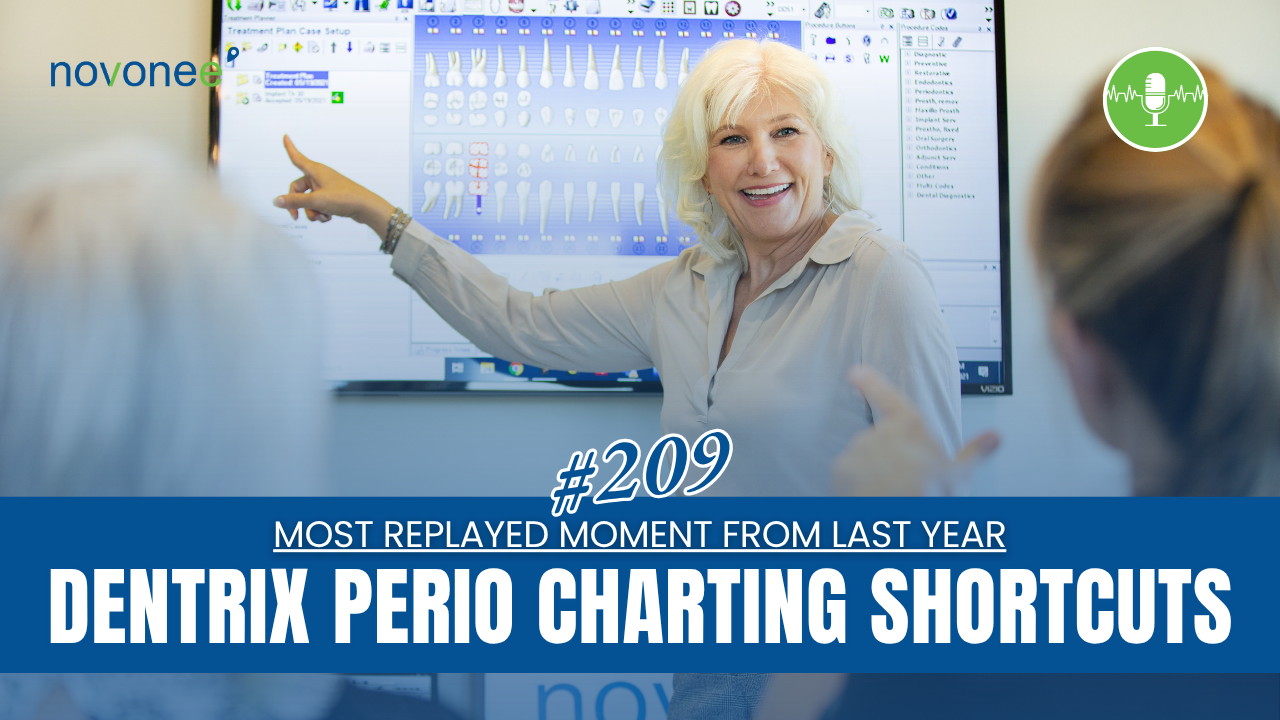
In case you missed it, this is a replayed moment from last year and one of the most viewed podcast episodes I’ve ever shared specifically for hygienists. And honestly, this topic is more important than ever because efficient perio charting in Dentrix directly impacts diagnosis, patient care, insurance documentation, and clinical consistency.
Listen on Apple Podcasts:
Listen on Soundcloud:
If you’re a hygienist, doctor, or office manager, this episode is for you.
I want to walk you through some of my favorite Dentrix perio charting tips, including keyboard shortcuts, customized perio scripts, the bleeding all button, and how to make your hygiene appointments more efficient without sacrificing diagnostics.
Because let me be very clear…
Not doing a perio chart because “there isn’t enough time” is not an option.
Why Perio Charting Matters in Dentrix
I remember working with a dental practice in Georgia during an in-office training. Before I arrived, I completed a remote practice assessment and noticed something strange…
I couldn’t find a single perio chart in Dentrix.
When I asked the hygienists about it, they told me they “didn’t have time” to complete perio charting.
But here’s the reality: perio charting is a diagnostic procedure. It’s how we identify periodontal disease, monitor progression, and properly document patient health.
So instead of skipping diagnostics, we adjusted the workflow.
Some administrative tasks were moved back to the front office team so the hygienists could focus on what mattered most: patient care and diagnostics.
That’s the bigger lesson here.
Sometimes the issue isn’t time. It’s workflow.
And honestly, this is something I see constantly when I work with dental teams. Small inefficiencies inside Dentrix can quietly snowball into bigger workflow issues throughout the day. That’s why I always encourage practices to tighten up their systems and daily routines instead of simply trying to “work faster.” I dive deeper into this here:
👉 Building Rock-Solid Dentrix Workflows: Daily, Weekly, and Monthly Systems That Actually Work
How to Make Dentrix Perio Charting Faster
One of the best things about the Dentrix perio chart is that it can be customized to fit the way you work.
Not every hygienist charts the same way.
Some start on the facial and move tooth by tooth. Others prefer quadrant-based charting. Some are left-handed and want a completely different flow.
The good news is that Dentrix allows you to create custom perio scripts.
Create a Custom Perio Script
Inside the Dentrix Perio Chart:
- Go to Setup
- Select Entry Settings
- Create a customized charting script
You can even build scripts for individual quadrants to improve efficiency and reduce unnecessary movement during hygiene appointments.
This alone can dramatically speed up your perio charting process.
Dentrix Perio Charting Keyboard Shortcuts
One of the biggest time-saving features inside Dentrix is the keyboard shortcuts.
Most hygienists don’t realize how much faster charting becomes once they stop relying entirely on the mouse.
Here are some of the most useful shortcuts:
Common Dentrix Keyboard Shortcuts for Perio Charting
- B = Bleeding
- S = Suppuration
- F = Furcation
- L = Bone Loss
- M = Mobility
- P = Plaque
Once you select a category like mobility or furcation, you can immediately enter the grade using your keyboard number keys.
For example:
- Mobility Grade 3 → Press M, then 3
- Furcation Grade 2 → Press F, then 2
These shortcuts significantly improve speed during perio exams.
Now, if keyboard shortcuts aren't enough and you're looking for an even faster way to complete perio charting, Dentrix has introduced another option that's worth exploring.
Dentrix Voice: Your Hygienist’s New Personal Assistant
One of the most exciting developments for Dentrix users is the availability of Dentrix Voice.
Honestly, when I first started training offices years ago, hygienists often needed another team member helping record probing depths during a perio exam. Today, technology is changing that.
Dentrix Voice acts like a personal hygiene assistant by allowing clinicians to chart periodontal measurements, bleeding points, furcations, mobility, recession, and other findings using voice commands instead of manually entering everything with a keyboard or mouse.
As you speak measurements aloud, the information is entered directly into the patient's perio chart in real time. The software follows your charting sequence and can recognize both measurements and clinical conditions as you work.
For many practices, this creates several advantages:
- Faster perio charting
- Improved documentation consistency
- Reduced need for a second team member during charting
- Better ergonomics for hygienists
- More time focused on patient education and care
- Improved clinical efficiency throughout the hygiene schedule
In fact, Dentrix describes Voice Perio as an electronic assistant that allows hygienists to chart periodontal findings verbally while the software records the information directly into the perio chart.
One feature I particularly like is the Quick View pane. As you speak, the software displays commands, measurements, and conditions on-screen so you can quickly verify that information is being entered correctly.
And from a practice management standpoint, this is bigger than just saving a few minutes.
When hygienists can complete perio charting more efficiently, they spend less time documenting and more time educating patients about periodontal disease, treatment recommendations, and continuing care. That can improve both patient understanding and treatment acceptance.
I also think it helps solve one of the biggest challenges I hear from hygiene teams:
"We don't have enough time."
Voice-assisted perio charting doesn't eliminate the need for diagnostics. It helps remove some of the barriers that make diagnostics feel difficult to complete consistently.
If your office is exploring ways to improve hygiene efficiency, reduce bottlenecks, and create more comprehensive perio documentation, Dentrix Voice is definitely worth looking into. Dentrix offers training resources, quick-start guides, and voice command tutorials to help teams get started.
The Dentrix “Bleeding All” Button
A couple years ago, many hygienists had to manually chart bleeding points using keyboard workarounds and arrow keys.
Now, newer versions of Dentrix include the “Bleeding All” button, which is a huge improvement for efficiency.
If your office hasn’t updated Dentrix recently, it may be worth checking your software version to ensure you have access to this feature.
Small updates like this can save your hygiene team a surprising amount of time throughout the day.
Using the Exam Information Panel in Dentrix
Another feature I think gets overlooked is the Exam Information Panel inside the Dentrix perio chart.
This section allows you to document:
- Gingival color and texture
- Plaque levels
- Calculus levels
- Staining
- Periodontal stage and grade
- Risk factors like smoking
- Health factors such as elevated HbA1c
This information becomes extremely valuable when sending perio documentation to insurance companies for scaling and root planing or periodontal maintenance claims.
Watch it on YouTube:
Copy Perio Exam Information into Your Clinical Note
Here’s one of my favorite Dentrix tips that many hygienists don’t know exists.
At the top of the Exam Information Panel, there’s a button called:
“Copy Exam Information to Clipboard”
When you click it, you can paste the information directly into your clinical note.
That means:
- Faster documentation
- More comprehensive notes
- Better consistency
- Improved insurance support
It’s one of the easiest ways to streamline hygiene documentation inside Dentrix.
And if your clinical notes still feel inconsistent from provider to provider, you’re not alone. One of the biggest opportunities I see in dental practices is creating standardized documentation systems that improve efficiency, reduce risk, and strengthen communication across the team. I talk more about that here:
👉 Where to Make Notes in Dentrix
Final Thoughts: Diagnostics Are Not Optional
At the end of the day, efficient perio charting isn’t just about speed.
It’s about accuracy.
It’s about diagnosis.
And it’s about protecting both the patient and the practice.
Dentrix gives hygienists powerful tools to improve workflow, documentation, and patient communication. But those tools only help if your team actually knows they exist.
That’s why I love sharing these practical tips.
Because sometimes one small shortcut or workflow adjustment can completely change the efficiency of a hygiene appointment.
And when your systems improve, your patient care improves right along with it.
Because strong perio diagnostics and consistent hygiene workflows don’t just improve documentation… they directly impact patient retention and long-term practice health. Patients who understand their periodontal condition are more likely to stay engaged with treatment and continuing care.
FAQ: Dentrix Perio Charting
How do I make perio charting faster in Dentrix?
You can improve efficiency by using keyboard shortcuts, creating customized perio scripts, and utilizing tools like the Bleeding All button and clipboard copy features.
What are the keyboard shortcuts for Dentrix perio charting?
Common shortcuts include:
- B = Bleeding
- S = Suppuration
- F = Furcation
- M = Mobility
- L = Bone Loss
- P = Plaque
Can Dentrix copy perio chart information into clinical notes?
Yes. The “Copy Exam Information to Clipboard” feature allows hygienists to paste perio exam details directly into clinical notes.
Why is perio charting important?
Perio charting helps diagnose periodontal disease, monitor progression, support insurance claims, and maintain proper clinical documentation standards.
Can I customize the Dentrix perio chart workflow?
Absolutely. Dentrix allows customized perio scripts and entry settings to match individual charting styles and improve efficiency.
Stay connected with news and updates!
Join our mailing list to receive the latest news and updates from our team.
Don't worry, your information will not be shared.
We hate SPAM. We will never sell your information, for any reason.