Dentrix Clinical Documentation: 3 Changes That Help Your Front Desk
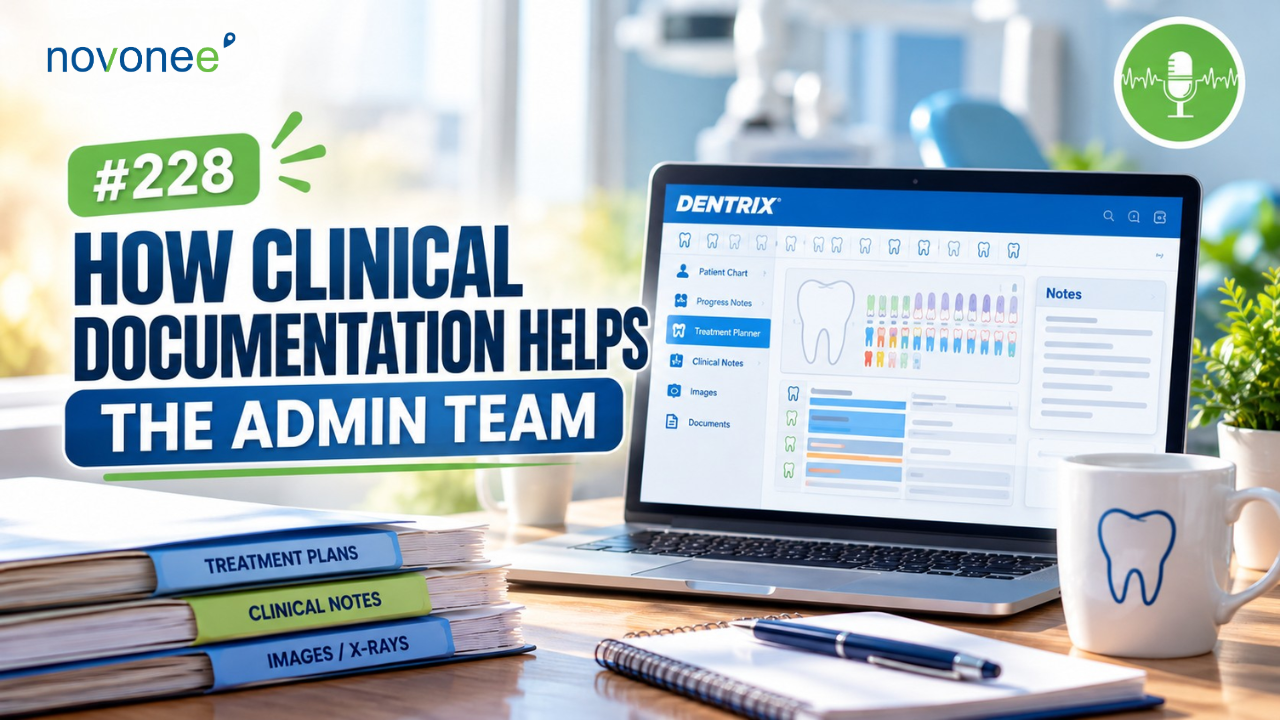
What you document in the clinical chart isn't just for your clinical team. It's also one of the most valuable communication tools your administrative team has.
Watch it on YouTube:
Listen on Apple Podcasts:
Listen on Soundcloud:
When I worked as a treatment coordinator, I relied heavily on clinical documentation to present treatment, schedule appointments, and follow up with patients.
Unfortunately, I still see dental practices where the clinical team documents everything they need, but the front desk doesn't have enough information to do its job effectively.
The good news? A few small changes in Dentrix can make a significant difference.
Here are three clinical documentation improvements that can strengthen communication, support case acceptance, and help your team submit better insurance claims.
- Organize Your Dentrix Treatment Plans for Better Case Acceptance
One of my favorite features in the Dentrix Patient Chart is the Treatment Planner panel.
If you're not seeing it, select the Treatment Planner Layout icon on your toolbar.
This panel allows you to organize treatment into cases, which makes a huge difference for your treatment coordinator.
Give Your Treatment Plan Cases Meaningful Names
Instead of leaving cases with generic names, identify exactly what the treatment involves.
For example:
- 2027 Treatment Priorities
- Upper Right Restorative Treatment
- Replace Missing Tooth #7
- Crown and Implant Options
This is especially helpful when patients have multiple treatment options or procedures planned over several visits.
The case name can also appear on the patient's printed treatment estimate.
Document the Diagnosis in Procedure Notes
Here's another simple change I absolutely love.
When you're treatment planning a crown, double-click the procedure and add a brief explanation in the procedure note.
For example:
"Existing crown with open margin and recurrent decay."
Now your treatment coordinator understands why the doctor recommended the crown.
When the patient asks, "Why do I need this if nothing hurts?" your administrative team has accurate clinical information to help explain the recommendation.
You can even create procedure note templates for common diagnoses.
I've shared additional strategies for mastering Dentrix treatment planning through better nonverbal communication, including case organization, procedure notes, and treatment plan status updates.
This is one of the easiest ways to improve the handoff between your clinical and administrative teams.
- Add Next-Visit Instructions to Your Dentrix Clinical Notes
Have you ever had a patient call to schedule an appointment, but nobody knows exactly what they need?
Your scheduler starts searching through the chart or interrupting the hygienist.
We can eliminate much of that confusion.
I recommend adding two simple sections to your clinical note templates.
NVH: Next Visit Hygiene
Document exactly what the patient needs at their next hygiene appointment.
For example:
NVH: 3-month periodontal maintenance, FMX, fluoride, 60 minutes.
NVD: Next Visit Doctor
Document the next recommended doctor appointment.
For example:
NVD: Crown preparation #30, Visit 1, 90 minutes.
You can place these instructions at the top or bottom of your clinical note. I particularly like placing them at the top so your scheduling team can find them immediately.
Don't simply write "six months."
Six months for what? A prophy? Periodontal maintenance? Does the patient need X-rays?
Be specific so your administrative team can schedule correctly without chasing down the clinical team.
If you're ready to standardize this process, I recommend reviewing my article on building better Dentrix clinical note templates. It explains how consistent templates help your scheduling team, insurance coordinators, and clinical providers work together more efficiently.
These notes are also valuable when you're working from the Dentrix Treatment Manager or Continuing Care List.
- Improve Dental Insurance Claims With Better Clinical Notes
My third recommendation focuses on something that directly impacts your practice's cash flow.
Clinical documentation plays an important role in supporting dental insurance claims.
I recommend attaching relevant clinical notes to insurance claims when documentation is required.
Instead of relying exclusively on the Remarks for Unusual Services field, which has character limitations, your team can attach the clinical note directly.
This gives the insurance company more complete clinical information to evaluate the procedure.
In fact, I've previously explained why dental teams should transition from procedure notes to clinical notes for insurance documentation. This is an important workflow change as insurance companies increasingly request clinical documentation to support claims.
Use SOAP Notes for Stronger Documentation
For procedures such as crowns, implants, and surgeries, I recommend using a structured SOAP note format:
- S: Subjective: Patient symptoms and concerns
- O: Objective: Clinical findings and examination results
- A: Assessment: Diagnosis and clinical evaluation
- P: Plan: Recommended or completed treatment
Your documentation should clearly explain the diagnosis, clinical findings, and reason treatment was necessary.
When the insurance coordinator has access to complete clinical notes, they can submit better-supported claims without repeatedly asking the doctor for additional information.
Of course, documentation doesn't guarantee insurance payment, but it can help reduce avoidable requests for additional information and documentation-related denials.
Frequently Asked Questions About Dentrix Clinical Documentation
How can Dentrix clinical documentation improve case acceptance?
Clear treatment plan names and procedure notes help treatment coordinators explain the doctor's recommendations accurately, answer patient questions, and follow up on unscheduled treatment.
Where should I document next-visit instructions in Dentrix?
I recommend adding NVH (Next Visit Hygiene) and NVD (Next Visit Doctor) sections to your clinical note templates, including procedures, appointment length, and necessary X-rays.
Can Dentrix clinical notes be attached to insurance claims?
Yes. Relevant clinical notes can be included as electronic claim attachments to provide supporting documentation for treatment, subject to the payer's requirements.
What should a Dentrix crown clinical note include?
A complete crown note should document relevant symptoms, clinical findings, diagnosis, treatment details, and the clinical justification for the crown. A SOAP format can help organize this information.
Better Documentation Creates a Stronger Dental Team
Your clinical chart should do more than document what happened during an appointment.
It should help your entire team communicate.
When you organize treatment plans, add clear next-visit instructions, and improve clinical notes, you're creating a stronger handoff between your clinical and administrative teams.
That means fewer interruptions, better treatment conversations, more accurate scheduling, and stronger insurance documentation.
And the best part? You can make all three improvements using tools already available in Dentrix.
If you'd like help improving your Dentrix clinical documentation, treatment planning, and team workflows, schedule a Discovery Call with me. I'd love to help you build systems that support a high-performing dental team.
Stay connected with news and updates!
Join our mailing list to receive the latest news and updates from our team.
Don't worry, your information will not be shared.
We hate SPAM. We will never sell your information, for any reason.