
Dentrix Task Scheduler: 4 Automated Tasks You Should Never Skip
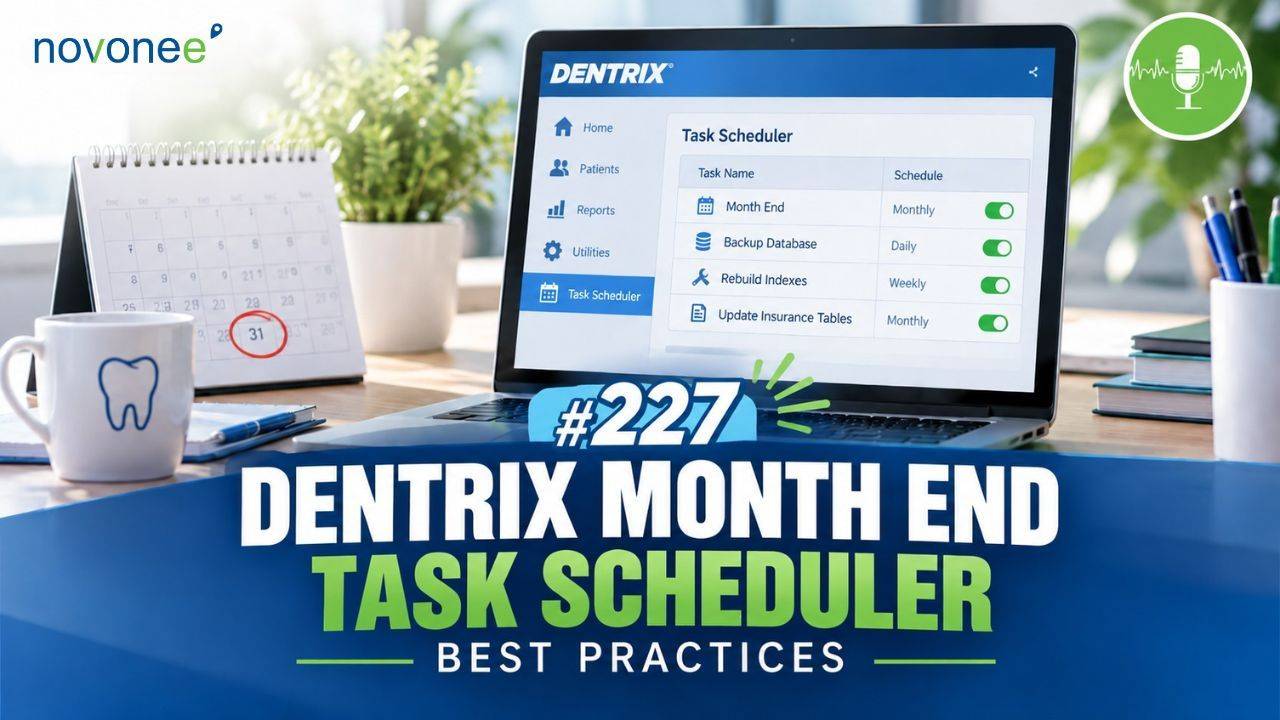
Automation doesn't always require another software subscription.
Some of the best automation tools for your dental practice are already built into Dentrix. One of the most overlooked is the Dentrix Task Scheduler.
Watch it on YouTube:
I recently revisited this topic because these automated tasks can make a significant difference in your daily operations. They help keep your data clean, protect important information, improve reporting accuracy, and prevent routine tasks from being forgotten.
Listen on Apple Podcasts:
Listen on Soundcloud:
And they don't cost you anything extra.
What Is the Dentrix Task Scheduler?
The Dentrix Task Scheduler allows you to automate daily, weekly, and monthly processes inside your practice management software.
You'll find it in the Dentrix Office Manager. Even though you may see "Month End" associated with it, month-end processing is only part of what it can do.
You can schedule tasks to run automatically in the background, preferably when nobody is actively using the system.
I recommend scheduling overnight processing on a server or workstation that remains turned on. If that computer is shut down, your scheduled processes will not run.
There are four month-end tasks I believe every Dentrix practice should have running. If your team needs a deeper understanding of how these processes work together, I've also outlined the Dentrix Month End Process and the key tasks your team should monitor.
- Close Transactions in Dentrix
Close Transactions is one of the most important Dentrix month-end processes.
It does several things.
First, it locks completed transactions from previous months into history. Once you've balanced your deposits to the bank and confirmed your month is accurate, you don't want someone accidentally changing or deleting old transactions.
Second, closing transactions ages your accounts receivable.
Balances move from current to 30 days, 30 to 60, and 60 to 90.
This matters because if your month-end processes are several months behind, your traditional Dentrix Aging Report may not accurately reflect where those balances belong.
Close Transactions also moves the previous month's ending A/R balance into the beginning balance for the new month.
This is one reason it's important to understand where to find your most accurate A/R numbers in Dentrix. Different Dentrix reports handle aging differently, and knowing which numbers you're looking at can prevent a lot of confusion when managing your accounts receivable.
- Move Perio Exams to History
The second automated task I recommend is Move Perio Exams to History.
This locks completed periodontal exams into history so they cannot simply be edited or deleted later.
You can run this monthly or even daily, depending on your practice's preferences.
The goal is simple: protect your clinical data and maintain a clean historical record.
- Move Clinical Notes to History
Your clinical notes should also be moved into history routinely.
Once a clinical note is locked into history, your team cannot simply edit or delete the original documentation.
If something needs to be corrected later, an addendum can be made rather than changing the original note.
From a documentation standpoint, I much prefer that workflow because you preserve the original record while clearly documenting the correction.
- Reset Dental Insurance Benefits
The fourth critical Dentrix Task Scheduler process is Reset Insurance Benefits.
Most dental plans renew January 1, although some employers and plans renew at other times during the year.
When a patient's plan renews, Dentrix needs to reset benefits used so the patient's new annual maximum is reflected correctly.
This is especially important when your team is estimating treatment and discussing available insurance benefits with patients.
Automate Other Routine Dentrix Tasks
Once those four essential processes are working properly, you can explore additional automation.
Depending on your practice, you might automate:
- Billing statements
- Finance and late charges
- Future due payment plans
- Payment agreements
- Purging old appointments
- Purging claim attachments
- Purging exported files
- Unscheduled List cleanup
- Recalculating totals
- Archiving unused new patient records
For example, if your practice provides a lot of orthodontic treatment, automating future due payment plans and recurring payment agreements can eliminate manual reminders and repetitive monthly work.
I also like automating cleanup tasks that keep your Dentrix database manageable. If you're purging appointments, I generally recommend retaining three to five years of Appointment Book history.
For the Unscheduled List, I prefer keeping approximately three months of actionable appointments rather than years of outdated information. I've explained this workflow in more detail in Dentrix Scheduling Lists: Fix Your Unscheduled and Continuing Care Workflows, including why shorter, current lists are much more useful for patient follow-up.
Automation Still Needs Oversight
Here's the part I don't want you to miss.
Automated doesn't mean ignored.
Open your Dentrix Task Scheduler at least once a month and select View Log.
Look at:
- Which tasks ran
- When they ran
- Whether they completed successfully
- Whether there were errors
If you're repeatedly seeing errors, investigate them rather than assuming everything is working in the background.
I also recommend reviewing the schedule itself, especially after team turnover. Someone may have suspended a task or changed a setting without the current team realizing it.
Frequently Asked Questions About Dentrix Task Scheduler
What is the Dentrix Task Scheduler?
The Dentrix Task Scheduler automates routine daily, weekly, and monthly processes, including month-end procedures and database maintenance.
Which Dentrix month-end tasks are most important?
I recommend four critical tasks: Close Transactions, Move Perio Exams to History, Move Clinical Notes to History, and Reset Insurance Benefits.
How often should I check the Dentrix Task Scheduler?
I recommend reviewing the Task Scheduler log at least once a month to confirm your automated tasks are completing successfully.
What happens if Dentrix month end isn't current?
Your A/R aging can become inaccurate because the Close Transactions process moves balances into the appropriate aging buckets. Staying current helps ensure your reports provide useful information.
Can I automate billing statements in Dentrix?
Yes. Billing statements can be added to an automated queue and scheduled according to your practice's preferred workflow.
Let Dentrix Do More of the Work
The Dentrix Task Scheduler is one of those features that's easy to overlook because most of the work happens quietly in the background.
But that's exactly why I love it.
Set up your critical month-end processes. Automate appropriate routine tasks. Check your logs monthly. And make sure your system is doing the work you've asked it to do.
You don't always need another piece of software to make your dental practice more efficient. Sometimes, you simply need to take advantage of the automation already sitting inside Dentrix.
If you'd like help optimizing your Dentrix systems, workflows, and automated processes, schedule a Discovery Call with me. I'd love to help your team get more out of the software you already have.
Stay connected with news and updates!
Join our mailing list to receive the latest news and updates from our team.
Don't worry, your information will not be shared.
We hate SPAM. We will never sell your information, for any reason.