
Master Dentrix Treatment Planning to Eliminate Lab Case Chaos
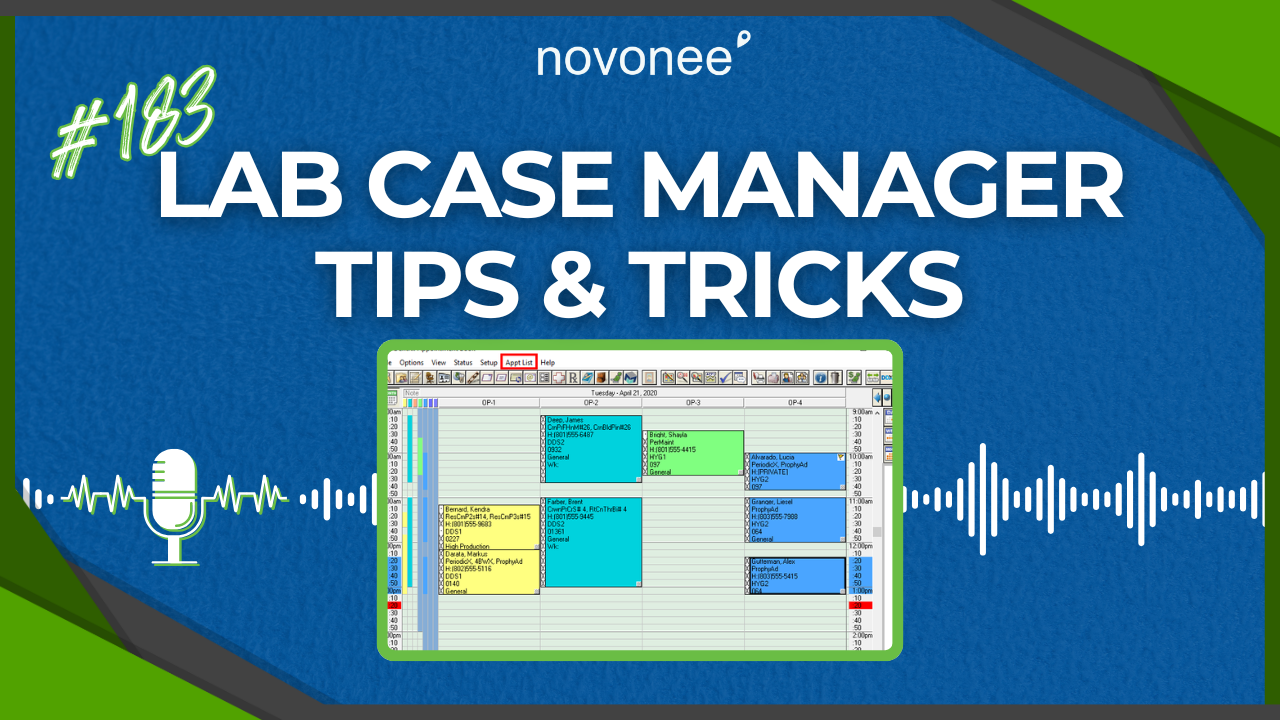
Welcome, everyone. Do you find that you are still having patients come in for an appointment and their lab case isn’t ready yet? Or maybe you have an archaic lab-case tracking system: a three-ring binder, a big whiteboard, or a manila folder full of pages. These scenarios mean you’re inefficient, you’re costing valuable time and your team is frustrated. We don’t have time anymore for manual processes. We must have a better system for everything, including tracking lab cases.
Listen on Apple Podcasts:
Listen on Soundcloud:
So today I want to show you how using the Dentrix Lab Case Manager can streamline your workflow, save time and keep everyone aligned. At a recent Dentrix user meeting I held in Seattle (“From Chart to Chair: Mastering the Treatment Planning Process”), many of the questions focused on lab case workflows. One of the biggest was: who should create and check in the lab cases? Clinical team, admin team? Let’s eliminate that confusion and make it simple.
Why the lab case workflow matters
Tracking lab cases sounds simple, yet so many practices struggle. If you’re using a notebook, whiteboard or single-person tracking system, you’re risking errors, reschedules and chaos. With Dentrix treatment planning, you can build your lab case workflow into the system and make it visible to everyone. No one person holds the key; it’s accessible for your whole team.
What if you use the Lab Case Manager not just for crowns/bridges or ortho retainers, but also for any critical “pre-appointment” items: implant parts, medical release letters, custom appliances, or physician referrals? You can treat these as “cases” in Dentrix, track their status and ensure you’re ready for the patient before they walk in the door.
How to create the case in Dentrix in two steps
Here’s how simple this is. From the appointment book: double-click the patient’s appointment. Then click the Patient Lab Cases button.
- Select the lab it’s going to.
- Enter a brief case description (for example, “CR #31 crown”).
- Enter the estimated received date.
Then click OK. You’re done.
Now you can close the appointment. The assistant boxes it, hands off the patient to the front desk, and the front desk collects the patient portion and posts it to the ledger. Next you schedule the delivery appointment: click “Schedule Next” in the appointment book, add the procedure code, and fill in the next appointment details. Before you finish, select Patient Lab Cases, choose the case you just created, and click “Pen Board” or “Link” so the two are tied together. You’ll see a blue “L” icon appear on the booking, so your team knows the case is out.
When the case returns, someone verifies receipt: double-click the appointment, click the blue “L” icon, select the case, and click “Receive Case.” The icon turns green. You now know this case is ready and you can proceed with seating the patient. No confusion. No reschedules. You can even scan for open slots, look for green “L” icons, and fill same-day openings with patients whose lab cases are confirmed in-house.
If you want to dive deeper into the best practice workflow for lab case tracking in Dentrix, check out my link to Lab Case Tracking in Dentrix.
The impact on your treatment planning and practice workflow
In a treatment planning mindset, case acceptance, delivery, and completion are all connected. When cases sit because the lab part is missing, you lose momentum, lose patient confidence, and increase walk-outs. Integrating your lab-case workflow into your Dentrix treatment planning system means you stay ahead. Your dentist, hygienist and admin team are aligned. Your patients see you know your schedule and you know their care.
Printing estimates, discussing treatment options, and getting patients to commit are easier when the logistics are solid. A confused patient will always say no. So make your system clear, your process documented, and your lab workflows seamless.
Final Word
If you are still using binders, whiteboards or single-person tracking for lab cases, you’re working harder than you need to. Use Dentrix’s built-in Lab Case Manager. Set up the two-step process, schedule ahead, link to your treatment plan and watch your workflow transform. Your team will thank you, your patients will respond better and your practice will operate more efficiently.
Let’s make this your next improvement project. You’re building a high-performing dental team and this is a critical piece.

Stay connected with news and updates!
Join our mailing list to receive the latest news and updates from our team.
Don't worry, your information will not be shared.
We hate SPAM. We will never sell your information, for any reason.